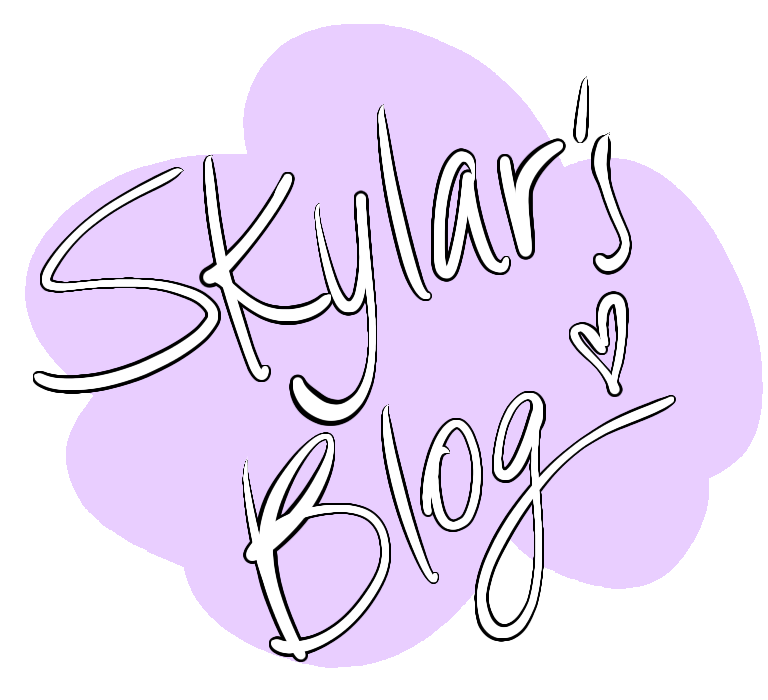
A profile picture and a header image can say a lot about someone. It can portray their platform and their personality. Here’s how I made mine:
For my profile picture I wanted to include my favourite colours and shapes. I used ibisPaint X to create my drawing. I was testing out the “lasso” tool and ended up creating a cloud like shape that I thought would be nice for a sort of background. I filled it with a light purple then decided to put “Skylar’s Blog” in the middle. I tried a handful of different fonts, but none of them really stood out to me. I then decided to write it out myself and I tried a few different brush types and colours. In the end I chose a neon style brush in black. As for the calligraphy, I just went with my natural hand writing so it’s more personalized. This profile picture is simplistic and clean and I feel it represents me. Here’s how it turned out:
Then I moved on to creating my header image. I wanted to use the same colour scheme and style so I deceided to do a sky with clouds. I used a light purple and a light yellow as a gradient for my background to kind of mimic a sunset. I used the blur and smudge tool to blend the two colours. I then used the lasso tool and a light pink to do a test cloud in the middle and once I liked the outcome I repeated it for the rest of the clouds. I then added a bit of shading with a darker pink and the yellow, as well as a slight purple outline. Then I added three birds in black to connect the black in the profile picture. Here’s how the header turned out:

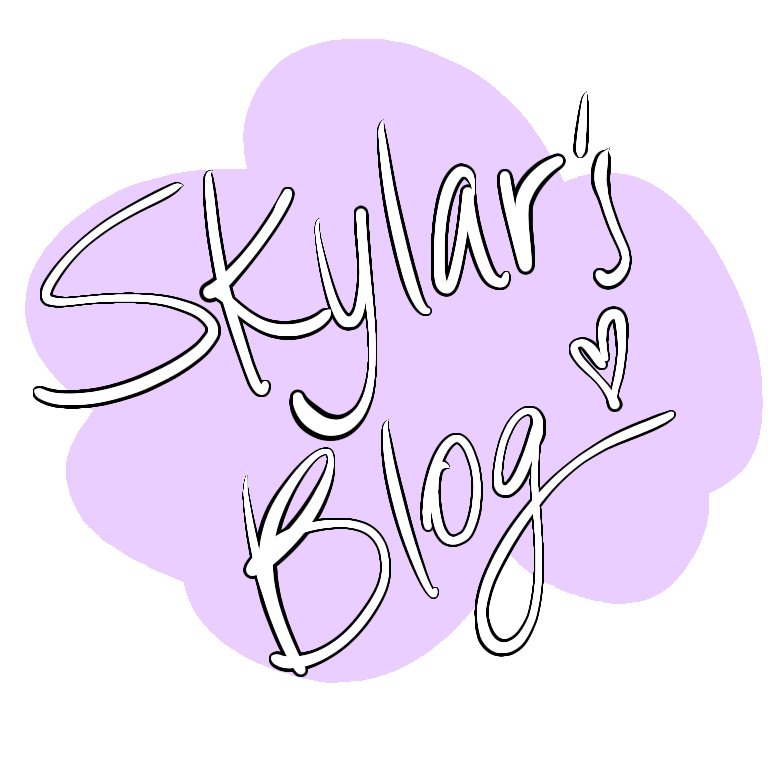
Overall I’m proud of the look of both of my drawings and I think they’re very relaxing to look at and dream-like.
 skylarevansphotography.photo.blog